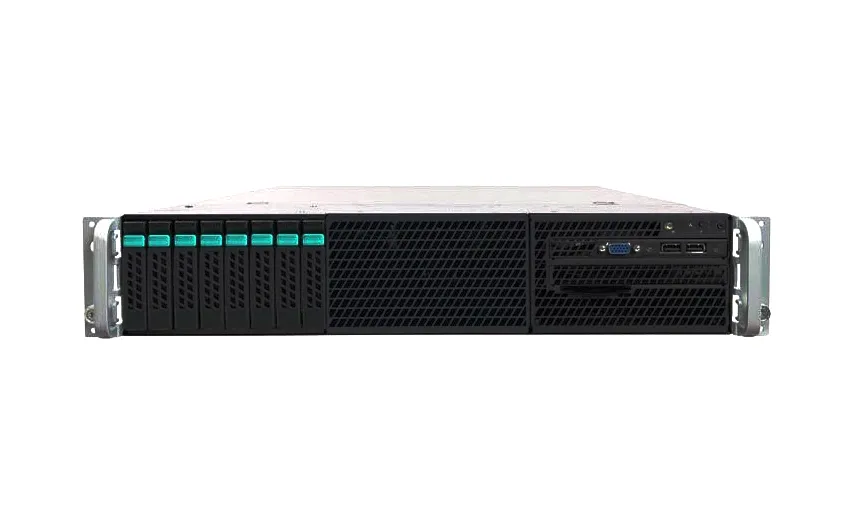
Network Storage Devices
Network Storage Devices mixes shared-storage systems and their building blocks: HP StoreEasy NAS servers, StoreVirtual and P2000 MSA arrays, D2600 and D6020 disk enclosures, and EMC disk array enclosures (DAEs). What ties them together is that they sit between servers and disks. Before buying, check whether a listing is a complete system with controllers, an expansion enclosure that needs a head unit, or a shelf that ships populated with drives.
Network Storage Devices: 1,423 products
Buying guide
Shared storage basics
NAS or SAN
A NAS serves files over SMB or NFS; a SAN presents block storage over Fibre Channel, iSCSI or SAS. Applications that expect a local disk, like most databases, usually want block storage.
Head unit or expansion
Enclosures and DAEs add capacity to a system that already has controllers. On their own they don't serve data.
Populated or empty
A shelf with twelve 3TB drives and an empty one look the same in a photo. The listing title says which you're getting.
Network Storage Devices
Frequently asked questions
What's the difference between NAS and SAN storage?
NAS shares files over the network with protocols like SMB and NFS. SAN shares raw block storage, which servers format and use as if it were a local disk. Our NAS vs SAN guide walks through when each fits.
Can I use an EMC disk array enclosure on its own?
No. A DAE adds drives to the storage processors of its own array family and doesn't serve data by itself.


%207200RPM%20SAS%206GB_s%20Hot%20Swap%20.webp?width=1920&quality=75)