Network attached storage fundamentals and typical use cases
Enterprises that need shared file access across multiple servers or workstations often choose network attached storage (NAS). NAS appliances present storage as files over standard network protocols, allowing heterogeneous clients to read and write without block-level configuration.
Definition and protocols
NAS devices expose file systems via file‑level protocols. The most common are NFS (versions 3 and 4) for Unix/Linux clients and SMB/CIFS (SMB 2.0, 3.0, 3.1.1) for Windows environments. Both protocols operate over TCP/IP and rely on Ethernet links; 1 GbE is typical for small deployments, while 10 GbE or higher is used for performance‑critical workloads. NAS appliances may also support FTP or HTTP for specific use cases.
Capacity and form factor
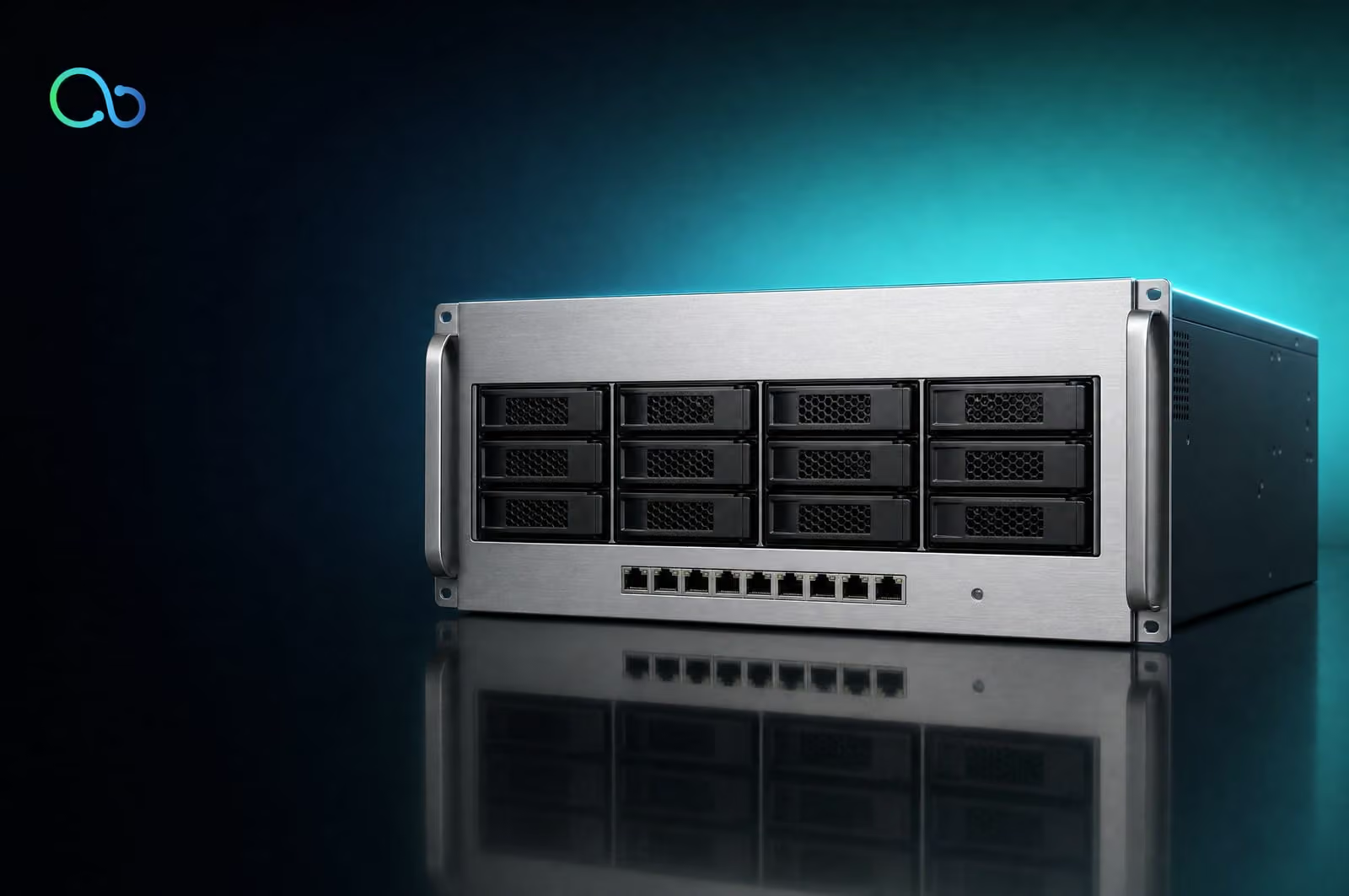
Rack‑mount NAS units range from a single 2.5‑inch drive bay to 24‑bay chassis with hot‑swap drives. Capacity scales from a few terabytes to multiple petabytes when using high‑density 3.5‑inch drives and expansion shelves. Some models support mixed SSD/HDD configurations, allocating SSDs for cache or tiered storage.
Typical workloads
- File sharing: Home directories, project repositories, and collaborative documents benefit from NFS/SMB’s permission handling and locking mechanisms.
- Backup targets: Centralized NAS provides a simple destination for agent‑based or deduplication backup software, leveraging large sequential write performance.
- Media serving: Video editing and streaming workflows use NAS for high‑throughput sequential reads, often pairing NFS with SSD cache to reduce latency.
When evaluating NAS, consider the required protocol support, Ethernet bandwidth, and the balance between raw capacity and performance‑optimizing features such as SSD caching or link aggregation. For a broader view of available devices, see the network storage devices catalog.
Storage area network basics and common deployment scenarios
A storage area network (SAN) provides block‑level access to shared storage over a dedicated network. Unlike file‑level protocols used by network attached storage, SAN presents raw LUNs (logical unit numbers) that operating systems mount as local disks. This model is required when applications need direct control over block layout, such as database engines that manage their own I/O queues.
Protocols
- Fibre Channel (FC) – operates at 8 Gb/s, 16 Gb/s, or 32 Gb/s using dedicated FC switches. It uses the FC‑FS (Fibre Channel Fabric) topology and requires host bus adapters (HBAs) that speak the FC protocol. FC offers low latency and deterministic performance, making it a common choice for high‑throughput workloads.
- iSCSI – encapsulates SCSI commands over TCP/IP. It runs on standard Ethernet hardware, allowing SAN deployment with existing network infrastructure. Performance depends on link speed (1 GbE, 10 GbE, 25 GbE, 40 GbE, or 100 GbE) and the quality of the Ethernet switches. Modern iSCSI implementations often use jumbo frames and dedicated VLANs to reduce overhead.
Typical workloads
- Databases – require consistent low latency and high IOPS. FC SANs are often selected for Oracle or SQL Server clusters, while iSCSI is acceptable for less latency‑sensitive workloads.
- Virtualization – hypervisors such as VMware ESXi or Microsoft Hyper‑V present virtual disks from SAN LUNs to multiple VMs. Shared block storage enables live migration and VM failover.
- High‑performance computing (HPC) – scientific simulations and analytics benefit from the parallel I/O paths of a multi‑fabric FC SAN or a high‑speed 25 GbE iSCSI fabric.
Deployments may combine FC for latency‑critical tiers and iSCSI for capacity‑oriented tiers, balancing cost and performance while keeping storage isolated from general‑purpose traffic. Selecting the appropriate protocol and fabric design depends on the required IOPS, latency budget, and existing network topology.

Performance and scalability comparison between NAS and SAN
IOPS, latency, and throughput
NAS delivers file‑level access over TCP/IP. Typical 10 GbE NAS appliances achieve 100 k–150 k IOPS with average read latency around 2 ms and write latency near 3 ms. Bandwidth peaks at 1.2 GB/s per node when using NFSv4.2 or SMB 3.1.1. SAN presents block‑level access over Fibre Channel (FC) or iSCSI. A 32 Gb FC SAN can sustain 500 k IOPS, sub‑millisecond latency (≈0.5 ms read, 0.7 ms write), and aggregate throughput exceeding 4 GB/s per fabric.
Application impact follows these patterns:
- Databases (OLTP) – Require low latency and high IOPS; SAN typically provides the needed performance envelope.
- File sharing and media workflows – Benefit from high sequential throughput; NAS with large Ethernet uplinks can be sufficient.
- Virtual machine storage – Demands both random IOPS and consistent latency; SAN offers tighter control, though high‑speed NAS (e.g., 25 GbE) can meet many VM workloads.
Scalability limits
| Architecture | Maximum capacity per system | Typical port count | Expansion method | Form factor |
|---|---|---|---|---|
| NAS | 2 PB (single appliance) | 4 × 10 GbE, 2 × 25 GbE | Scale‑out nodes, clustering | 2U/4U rackmount |
| SAN (FC) | 10 PB (fabric) | 8 × 16 Gb FC, 4 × 32 Gb FC | Additional directors, fabric switches | 2U/4U directors |
| SAN (iSCSI) | 5 PB (cluster) | 4 × 10 GbE, 2 × 25 GbE | VLAN‑segmented fabrics | 2U/4U servers |
Scalability is bounded by the underlying network. For FC, the number of ports on a director and the fabric’s zoning capacity define the ceiling. For Ethernet‑based NAS and iSCSI SAN, the aggregate bandwidth of the uplinks and the switch fabric (see the guide on network adapters) set practical limits.
Choosing between NAS and SAN therefore hinges on whether the workload prioritises file‑level convenience and moderate throughput, or block‑level performance and fine‑grained latency control.
Management, integration, and operational considerations
Provisioning and monitoring
Network attached storage (NAS) presents file systems as SMB/CIFS or NFS shares. Provisioning typically involves creating a share, assigning a quota, and mapping it to a directory service. Most NAS appliances include a web‑based GUI that shows active connections, I/O latency, and capacity trends per share. SAN provisioning requires LUN creation, zoning on Fibre Channel or VLAN configuration for iSCSI, and mapping LUNs to host bus adapters (HBAs). Monitoring is usually performed through SNMP traps or vendor‑specific management software that reports port health, queue depth, and error rates for each target. Because SAN traffic runs at the block level, performance counters are tied to host initiators rather than file shares, demanding tighter integration with server monitoring stacks.
Data protection features
NAS devices often bundle snapshot schedules, NFS export versioning, and built‑in replication to another NAS node. These features operate at the file system layer and can be managed without host‑level agents. SAN solutions rely on host‑based or array‑based RAID, remote mirroring (e.g., synchronous or asynchronous replication), and may require separate backup software that issues SCSI‑based copy‑off‑load commands. The choice influences RPO/RTO calculations: file‑level snapshots are quicker to configure, while block‑level replication can achieve lower recovery times for large databases.
Integration with existing infrastructure
Integrating NAS is straightforward when the environment already uses Active Directory or LDAP for authentication; the appliance can join the domain and enforce ACLs per share. SAN integration demands compatible HBAs, proper zoning, and often a dedicated storage network. Selecting the appropriate Ethernet standard—10 GbE, 25 GbE, or 40 GbE—affects both NAS and SAN designs; detailed guidance on switch selection is available in the network‑switches guide.
Skill‑set requirements
Operating NAS generally requires familiarity with file‑share protocols, quota management, and basic network configuration. SAN administration calls for knowledge of Fibre Channel or iSCSI zoning, LUN masking, and storage array firmware. Teams that already manage server SAN fabrics will find SAN easier to adopt, whereas groups focused on file services may prefer NAS for its lower learning curve and simpler day‑to‑day tasks.
Cost structure and total cost of ownership factors
Capital expense
A NAS deployment typically requires a chassis, drive bays, and a network interface card that matches the data‑center fabric (e.g., 10 GbE SFP+ or 25 GbE QSFP28). The bill of materials also includes SSD or HDD media, a RAID controller, and optional expansion modules for additional NICs or SAS ports. A SAN solution adds a fibre‑channel or iSCSI host bus adapter, a dedicated SAN switch, and often a separate storage controller enclosure that supports dual‑active paths. These hardware items are the primary upfront cost and are influenced by form factor (2‑U rack, 4‑U rack, or blade) and supported standards (NVMe‑over‑Fabrics, FC‑4, iSCSI).
Power and cooling
Both architectures draw significant power, but SAN gear usually consumes more because of additional switch fabrics and higher‑density controller modules. A 4‑U SAN chassis can exceed 1 kW at full load, requiring dedicated cooling airflow and potentially higher rack PDU capacity. NAS appliances, especially those built on low‑power ARM or Intel Xeon D platforms, often stay under 600 W, allowing consolidation with existing cooling zones.
Licensing and software
NAS operating systems often charge per TB of usable capacity or per concurrent user session. SAN controllers may require separate licenses for features such as thin provisioning, snapshots, or multipathing. iSCSI implementations can be bundled with the OS, while Fibre Channel SANs typically need a license for each port on the switch.
Support contracts
Support levels (24 × 7 hardware replacement, firmware updates, on‑site assistance) are priced per node or per rack unit. A SAN environment usually involves multiple contracts—one for the storage array, another for the SAN switch—so the aggregate support cost can exceed that of a single‑vendor NAS contract. Evaluating these recurring expenses alongside the initial hardware spend helps align the procurement decision with the organization’s budget horizon.
Choosing the appropriate architecture for specific workloads
When evaluating network attached storage versus a storage area network, map the workload’s key traits to the strengths of each architecture.
-
Latency‑sensitive applications – databases, high‑frequency trading, or virtual desktop infrastructure require sub‑millisecond response times. A SAN built on Fibre Channel (e.g., 8 Gb/s or 16 Gb/s) or Ethernet RDMA (iSCSI over 25 GbE) delivers the deterministic latency needed because block access bypasses the file‑system layer.
-
High concurrency with many small files – content management systems, web servers, and analytics pipelines generate thousands of simultaneous file operations. NAS appliances that expose NFSv4.2 or SMB 3.1.1 can handle this pattern efficiently; the built‑in file‑level locking and caching reduce lock contention.
-
Very large data sets with sequential access – media archives, backup repositories, or scientific simulations benefit from the high throughput of a SAN using large LUNs and jumbo frames. The block interface allows aggregation of multiple physical disks into a single logical volume, maximizing sequential read/write rates.
-
Mixed workloads with both file and block needs – environments that run VMs alongside file‑share services often adopt a hybrid approach: a SAN for VM storage and a NAS node for user shares, linked through a common fabric. Selecting a unified fabric such as 40 GbE simplifies cabling; a brief guide to fiber transceiver choices is available in the SFP vs QSFP guide.
Next step: Draft a short matrix in a spreadsheet that lists each critical workload attribute (latency, concurrency, data size, access pattern) and marks “NAS” or “SAN” as the preferred option. Use this matrix to justify the architecture choice in your procurement request.
Frequently asked questions
When should I choose NAS over SAN for a new deployment?
NAS is ideal for file‑level access, mixed‑OS environments, and workloads that benefit from simple management. SAN suits block‑level storage, high‑performance databases, and virtualization where low latency is critical.
What network bandwidth is required for enterprise NAS?
Enterprise NAS typically uses 10 GbE or higher. For heavy file‑sharing or backup traffic, multiple 10 GbE ports or 25/40 GbE uplinks provide headroom and redundancy.
How does scalability differ between NAS and SAN solutions?
NAS scales by adding capacity nodes or expanding shelf units, often without re‑architecting the network. SAN scales by adding more LUNs and expanding the fabric, which may require additional switches and zoning.
What management tools are available for NAS devices?
Most NAS platforms include web‑based consoles, REST APIs, and SNMP support. Integration with directory services and backup software is common, allowing centralized policy enforcement.
Topics in this guide
Still not sure which part fits?
Our specialists match parts to your server and quote within 24 hours.