
Server Power Supplies: Wattage, Slot Types and Redundancy
A replacement power supply has to match more than the wattage. Slot type, efficiency tier, input voltage and airflow all decide whether the server accepts it.
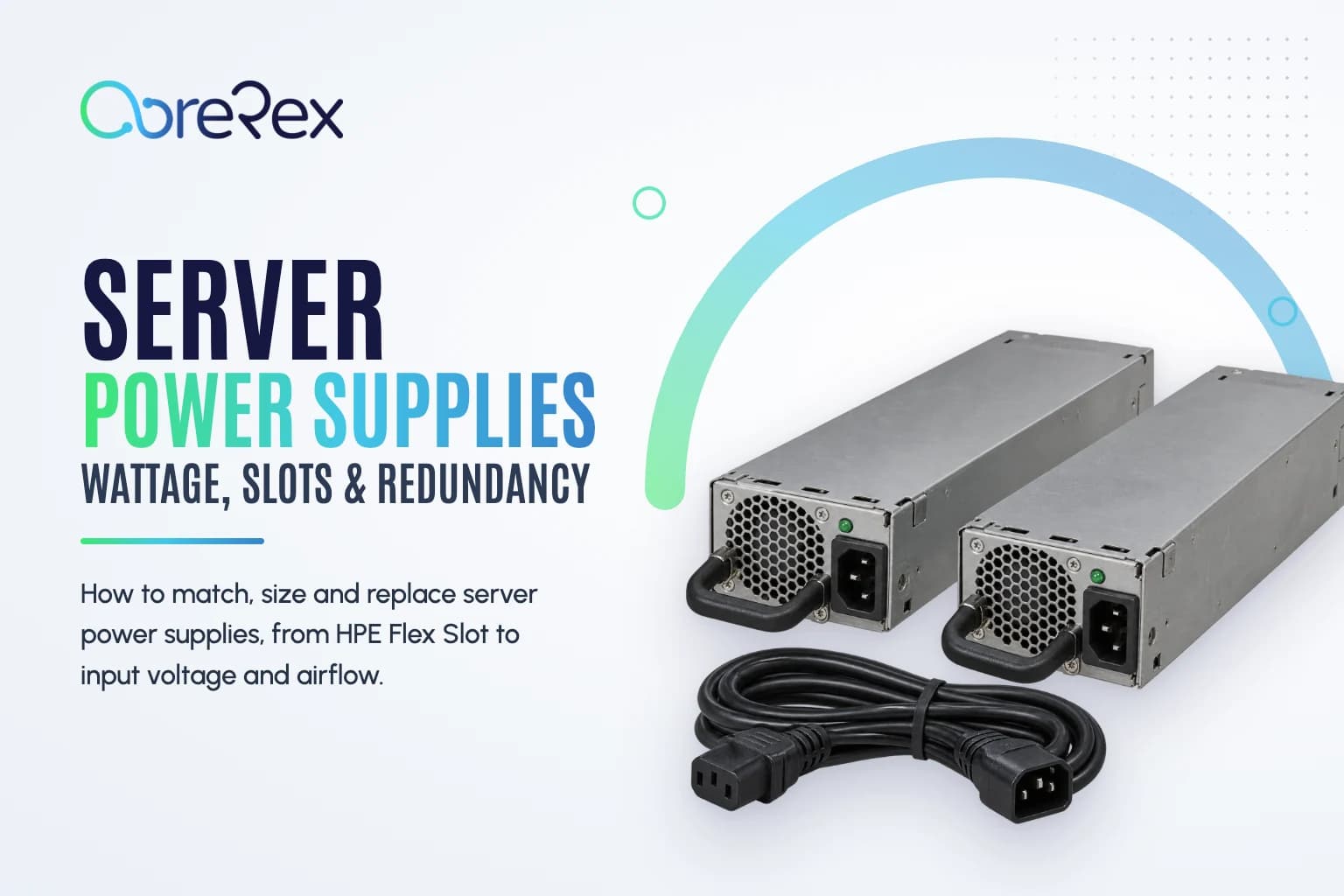
Most rack servers have two hot-plug power supplies, and most of the time one of them is doing very little. That is the point: if one fails, the other carries the whole load while you swap the failed unit without shutting anything down. It only works if the two supplies match each other, match the server, and are sized so that either one can carry everything on its own.
How redundancy works
In a 1+1 configuration the server shares its load between two supplies and can run on either one alone. Larger systems and blade enclosures use N+1 or N+N, where N is the number of supplies needed to carry the load. Redundancy only holds while a single supply can cover peak draw, so size each supply for the fully loaded server, not the average.
Hot-plug means a failed supply can be removed and replaced while the server runs on the other one. It does not mean either one can be pulled: remove the wrong unit and the server goes down. Check the supply LEDs and the management log (iLO, iDRAC or XClarity) to confirm which one failed.
Matching supplies
- Same wattage and model in a pair. Most servers report a mismatch when two different supplies are installed, and many disable redundancy or refuse to use the second unit. Replace like with like.
- Same efficiency tier. Vendors sell the same wattage in several efficiency tiers, such as Gold, Platinum and Titanium. Some servers treat different tiers as a mismatch even at the same wattage.
- A bigger supply does not use more power. A server draws what its components need. A higher-wattage supply adds headroom without raising consumption, although supplies run most efficiently around the middle of their range.
HPE: Common Slot and Flex Slot
HPE ProLiant power supplies come in two slot designs that are not interchangeable. Common Slot supplies were used in G6, G7 and Gen8 servers. Flex Slot supplies replaced them from Gen9 onwards and continue in Gen10, Gen10 Plus and Gen11 servers. HPE's names state the slot type, wattage and efficiency tier, as in "800W Flex Slot Platinum Hot Plug", and a Common Slot supply is never a substitute for a Flex Slot one, whatever the wattage. Flex Slot also includes -48V DC models for facilities that run DC power.
Dell, Lenovo and network equipment
Dell PowerEdge supplies are tied to the chassis and generation, and the same wattage can exist in several physical designs, so match the Dell part number or the supply listed for your server model rather than the wattage alone. Lenovo ThinkSystem and the earlier IBM System x servers work the same way. For switches and storage arrays, the supply also has to match the model family and, in data center switches, the direction of airflow.
Input voltage and power cords
Many server supplies accept both 100–127V and 200–240V AC, but higher-wattage units often deliver their full rating only on 200–240V and produce less on a 120V circuit. Some high-output supplies run only on high-line power. Check the input range on the supply's label against what your rack provides before you move to a bigger unit.
Most server supplies take a C13 connector into a C14 inlet, and the usual rack jumper between a PDU outlet and a server is a C14-to-C13 cord. Higher-power equipment and many PDU feeds use C19 and C20 instead. Match the cord to both the supply and the PDU, and see our power cables and rack PDUs.
Switches and storage: watch the airflow
Data center switches are built to cool front-to-back or back-to-front so they can match a hot-aisle layout, and their power supplies and fan modules are sold in both directions. Cisco Nexus parts, for example, are labeled port-side intake or port-side exhaust. Every supply and fan in a switch must move air the same way; a mismatched unit works against the others and can trigger thermal alarms. Read the airflow designation in the part description before you order.
Sizing a supply
Server vendors publish calculators that estimate the draw of a given configuration, such as HPE Power Advisor and Dell's Enterprise Infrastructure Planning Tool. Use them when adding processors, GPUs or a full set of drives, because GPU servers in particular can outgrow the supplies they shipped with. Choose a supply that covers the estimated peak with margin, and remember that each supply in a redundant pair must be able to carry that peak alone.
Before you order
- Read the label on the installed supply: vendor part number, wattage, efficiency tier and input range.
- Confirm the server model and generation and, for HPE, whether it uses Common Slot or Flex Slot.
- Order the same model as the working supply, or replace both together if you are changing wattage.
- For switches, match the airflow direction.
- Check the cord type and the PDU outlet.
Browse server, switch and storage power supplies, look up your system on the parts by server model pages, or send us the part number if you want a second check. If you are unsure which number on the label is the one to search, our guide to server part numbers explains each one.
Frequently asked questions
Can I use two power supplies with different wattages?
Not reliably. Most servers flag a mismatch and many disable redundancy, so the second supply gives no protection. Use a matched pair.
Can I replace a power supply while the server is running?
Yes, if the server has redundant hot-plug supplies and the other unit is healthy. Confirm which supply failed before you pull it.
Does a higher-wattage power supply use more electricity?
No. Consumption depends on the components, not the supply rating. A larger supply only adds headroom.