
RDIMM vs LRDIMM vs UDIMM: How to Choose Server Memory
Server memory comes in three electrical types that look almost identical. Which one a server takes, and how many, is decided by the platform, the CPU and the slot layout.
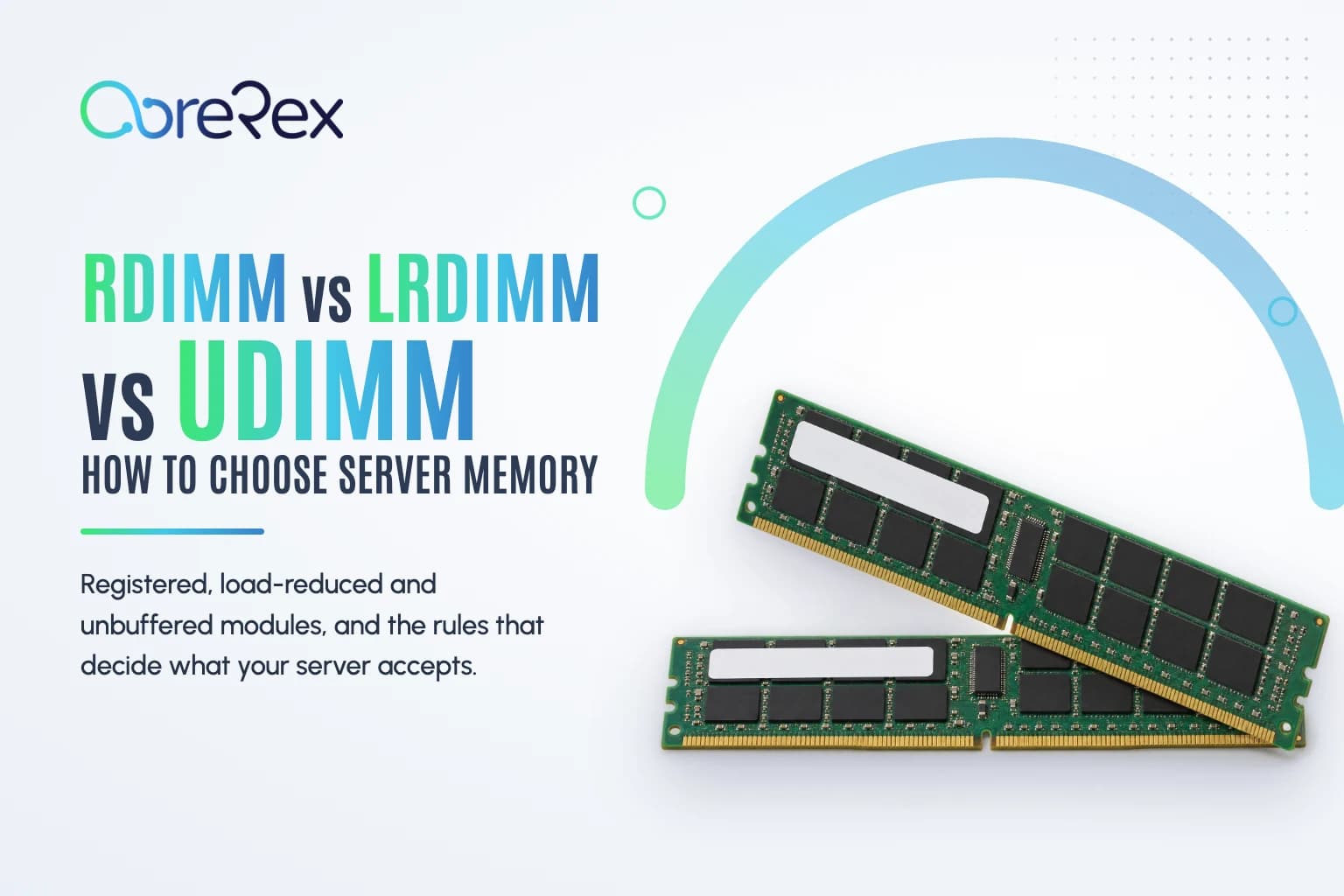
A registered DIMM and a load-reduced DIMM can share a capacity, a speed and a generation and look nearly identical on the bench. Install one of each in the same server and it will stop at POST. Server memory is chosen by electrical type first and capacity second, and the rules that decide what works come from the platform, not from the module.
The three module types
UDIMM: unbuffered
Unbuffered DIMMs connect the memory controller directly to the DRAM chips. Desktop memory is unbuffered and usually non-ECC. Entry servers and workstations on single-socket platforms often take ECC UDIMMs: unbuffered modules with the extra chips for error correction. UDIMMs keep latency low but place the most electrical load on the channel, which limits both how many modules a channel can hold and how large they can be. Unbuffered modules for PCs are in our desktop memory category.
RDIMM: registered
Registered DIMMs add a register clock driver (RCD) that buffers the command and address signals between the controller and the chips. That small delay buys more modules per channel and higher capacities. RDIMMs are the standard memory for two-socket rack and tower servers, and server RDIMMs are ECC modules.
LRDIMM: load-reduced
Load-reduced DIMMs buffer the data lines as well as the command and address lines, so the controller sees a light electrical load however many chips the module carries. Many 64GB and 128GB DDR4 modules are built this way. The trade-off is slightly higher latency and more power per module. On DDR4 platforms, LRDIMMs are the choice when you need the most capacity per slot. On DDR5 servers, high-capacity modules are mostly RDIMMs, including stacked 3DS RDIMMs, so LRDIMMs are mainly a DDR3 and DDR4 question.
Rules that do not bend
- Do not mix types. RDIMMs, LRDIMMs and UDIMMs cannot be combined in one server. Most systems halt at POST with a memory configuration error.
- Generations are keyed. DDR3, DDR4 and DDR5 modules have their notch in different places and will not seat in the wrong slot. The CPU platform decides the generation.
- Registered servers need registered memory. A server built for RDIMMs will not run desktop UDIMMs, ECC or not.
- Memory belongs to a CPU. In a two-socket server, half the slots are wired to the second processor and do nothing without it.
Reading a memory label
The label on a server module encodes most of what you need. A typical DDR4 module reads 16GB 2Rx4 PC4-2666V-RB2-11:
- 16GB is the capacity.
- 2Rx4 means dual rank, built from x4 DRAM chips. Other common values are 1Rx8, 2Rx8, 4Rx4 and 8Rx4.
- PC4-2666 is DDR4 at 2666 MT/s. DDR5 server modules read PC5-4800 and up.
- The letter after the speed encodes the CAS latency grade.
- R marks a registered module. L marks an LRDIMM, U an unbuffered DIMM and E an ECC unbuffered DIMM.
DDR3 labels count differently. PC3-12800R is DDR3-1600 registered memory, because the PC3 figure is bandwidth in MB/s rather than the data rate, and PC3L marks a 1.35V low-voltage module that also runs at the standard 1.5V.
Ranks, x4 and x8
A rank is a set of chips the controller addresses together. More ranks per module mean more capacity from the same chip density, but each channel supports a limited number of ranks, so quad-rank and octal-rank modules can reduce how many DIMMs you can install per channel, or the speed they run at.
x4 and x8 describe the data width of each chip. On many server platforms, modules built from x4 chips support the stronger error-correction modes, such as single-device data correction (SDDC, often called Chipkill), which can survive the failure of an entire DRAM chip. For critical systems, x4 modules are the safer default.
Speed: the slowest limit wins
Memory runs at the lowest of three limits: the module's rated speed, the memory speed the CPU supports, and the speed the platform allows for the number of DIMMs in each channel. A DDR4-2933 module behind a CPU that supports DDR4-2400 runs at 2400. On many platforms, populating two DIMMs per channel lowers the speed again, and mixed speeds all fall to the slowest module. Memory faster than the CPU can use changes nothing.
Population: fill channels evenly
Each CPU has a fixed number of memory channels: four on Xeon E5 v1 to v4, six on first- and second-generation Xeon Scalable, eight on third- and fourth-generation Xeon Scalable and on EPYC 7001 to 7003, and twelve on EPYC 9004. Performance depends on using all of them evenly:
- Install the same number of identical modules in each channel, and the same arrangement on each CPU.
- Follow the vendor's slot order. Dell prints the population rules on the system information label inside the cover, and HPE and Lenovo publish population guides for each server.
- Use identical part numbers where you can. Many platforms allow mixed capacities of one type, but mixing makes balancing harder and can reduce interleaving.
The model pages for servers such as the Dell PowerEdge R740 and the HPE ProLiant DL380 Gen10 list the memory we carry for each system.
Vendor-branded memory
HPE SmartMemory and Dell- and Lenovo-branded DIMMs are industry-standard modules from the major DRAM makers, qualified for the vendor's servers and sold under the vendor's labels and part numbers. Matching the vendor part number is the most dependable way to stay inside a server's supported configuration, especially on HPE ProLiant systems, which recognize HPE SmartMemory. Browse server memory by part number, or see memory boards and risers for systems that mount DIMMs on cartridges.
Frequently asked questions
Can I mix RDIMMs and LRDIMMs in one server?
No. Every module in the server has to be the same type. Mixing RDIMMs and LRDIMMs, or either with UDIMMs, stops the system at POST.
Can I use desktop memory in a server?
Only in servers built for unbuffered memory, and most of those require ECC UDIMMs. Two-socket servers that take RDIMMs will not run desktop modules.
Will faster memory speed up my server?
Only up to the speed the CPU and the slot population allow. Above that, the modules run at the lower speed.