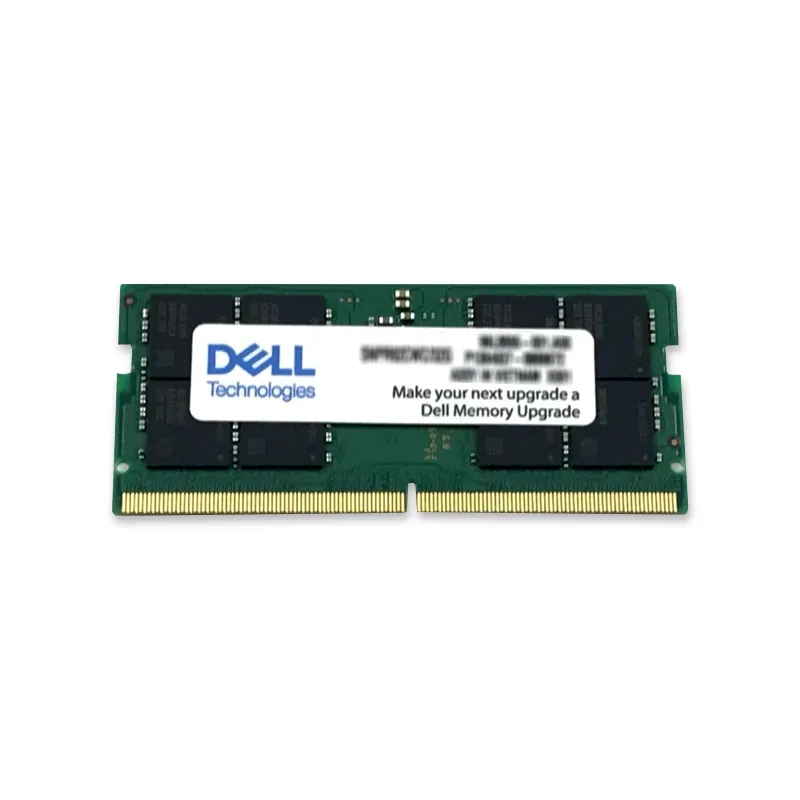
Laptop Memory
Laptop Memory covers SO-DIMMs, the compact modules used in notebooks, mini PCs and many all-in-ones. Most listings are 262-pin DDR5-4800 and DDR5-5600 modules: Samsung, SK Hynix and Micron parts, Kingston FURY Impact and ValueRAM, and Dell, HP and Lenovo service part numbers for their business laptops. DDR4 and DDR3 SO-DIMMs cover older machines. Many thin laptops solder some or all of their memory to the board, so check how many slots yours actually has before choosing a size.
Laptop Memory: 9,252 products
Buying guide
Upgrading laptop memory
Pin count shows the generation
DDR3 SO-DIMMs have 204 pins, DDR4 260 and DDR5 262. The notches differ, so a module only fits its own generation's slot.
Soldered memory
Many slim laptops have memory soldered to the board, sometimes alongside a single free slot. Soldered memory can't be replaced, so the slot is the only upgrade path.
DDR3L for older laptops
Many later DDR3 laptops require low-voltage 1.35V DDR3L. DDR3L modules also run at 1.5V, so they're the safer choice for a DDR3 machine.
Processor sets the speed
A DDR5-5600 module runs at 4800 in a laptop whose processor supports DDR5-4800. A faster module is fine; it just won't run faster than the platform allows.
Laptop Memory
Frequently asked questions
Are DDR5 SO-DIMMs and LPDDR5 the same thing?
No. LPDDR5 and LPDDR5X are low-power memory chips soldered directly to the motherboard and can't be swapped. Removable laptop memory comes as SO-DIMMs or, in a few newer models, CAMM2 modules.
Can I use laptop memory in a mini PC?
Usually, yes. Mini PCs such as Dell OptiPlex Micro, HP Elite Mini and Lenovo ThinkCentre Tiny models take the same SO-DIMMs as laptops of the same generation.
Why does my laptop take longer to start after a memory upgrade?
DDR5 systems retrain memory timing the first time they boot with new modules, which can leave the screen dark for a minute or more. If it never finishes, reseat the module and confirm it matches the type in the service manual.