Safe checkout
Secure payments
Fast dispatch
1–2 day handling
Free shipping
U.S. ground
Warranty & RMA
Support after delivery
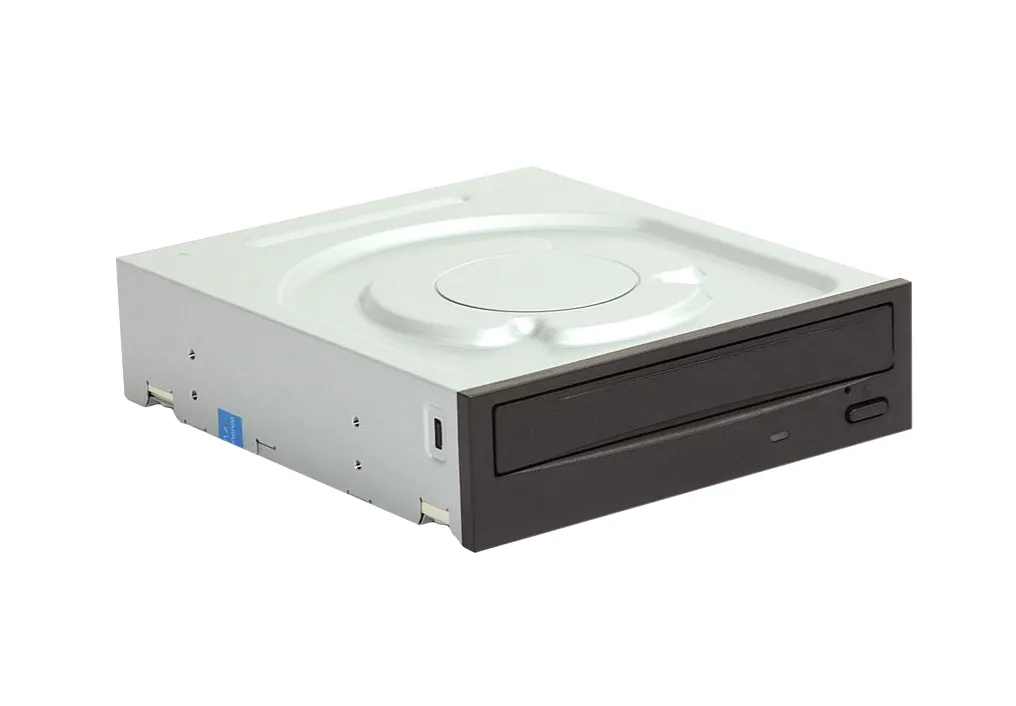
F671M - Dell DVD-RWLaptop
- Laptop optical drive
- DVD-RW read/write functionality
- IDE interface (assumed for older laptop models)
- Compatible with Dell laptops
- Enables data backup and software installation via optical media
- Supports CD-R, CD-RW, DVD-R, DVD-RW, DVD+R, DVD+RW formats
DVD-RWLaptop isn't on our shelf today — we source it to order. Request a quote and we'll confirm price and lead time within one business day.
Key specifications
See full specs ↓- Drive Type
- DVD-RW
- Interface
- IDE/PATA (likely)
- Brand
- Dell
- Model
- F671M
Product details
This is a Dell branded DVD-RW drive designed for laptop integration. It allows for reading and writing of CD and DVD media, providing optical storage and playback capabilities for compatible Dell systems.
Technical Information
| Drive Type | DVD-RW |
| Interface | IDE/PATA (likely) |
Additional Specifications
| Brand | Dell |
| Model | F671M |
Description
The F671M from Dell is a versatile optical drive engineered for installation in laptop computers. It supports the DVD-Rewritable standard, enabling users to not only read data from CDs and DVDs but also to write their own data onto rewritable discs. This functionality is crucial for tasks such as creating backups, archiving important files, installing software, and watching DVD movies directly from the laptop. Designed to fit within standard laptop drive bays, this drive typically utilizes an IDE (Integrated Drive Electronics) or PATA (Parallel ATA) interface, common in older laptop generations. Its compatibility is primarily with Dell laptop models that feature a compatible drive bay and interface. The drive offers a convenient solution for multimedia playback and data storage needs where external drives are not preferred or available. With its ability to handle various CD and DVD formats, including CD-R, CD-RW, DVD-R, DVD-RW, DVD+R, and DVD+RW, the Dell DVD-RW Laptop drive provides flexibility for users. It ensures that users can manage their optical media requirements efficiently, whether for personal use, professional tasks, or system recovery purposes.
Condition: Refurbished
Free U.S. ground shipping
Typically 1–2 days handling, 3–7 days in transit.
Purchase orders accepted
Government, enterprise, data center and small business.
Buying 10+ units?
Get volume pricing and availability for DVD-RWLaptop.