
What Are Server Riser Cards and When Do You Need One?
Learn what a server riser card is, how PCIe riser solutions expand your server’s I/O, and when a Dell riser card or upgrade is needed for enterprise workloads.
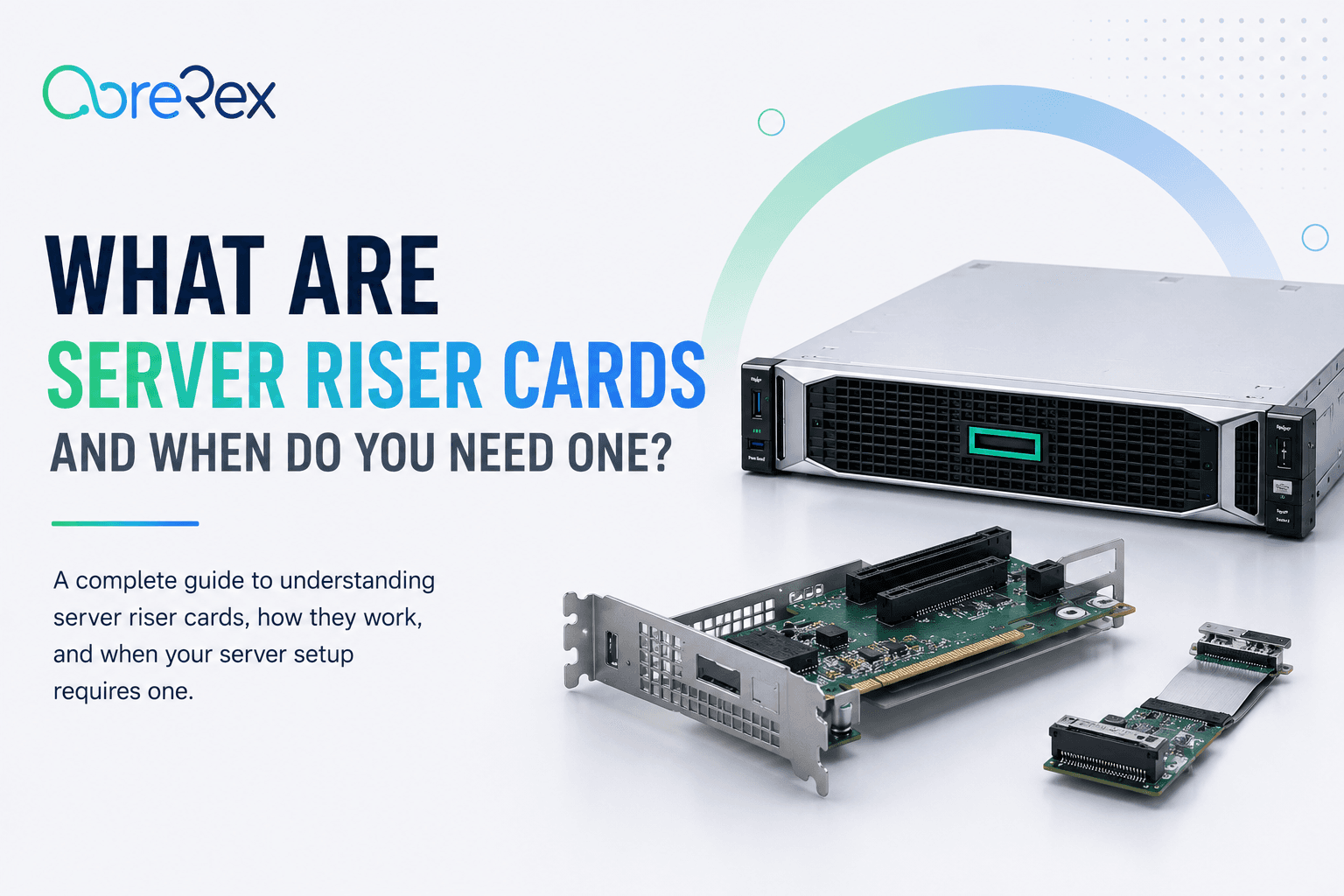
In modern data centers, a server riser card is a practical way to increase internal expansion slots without redesigning the chassis, especially when space or airflow constraints limit direct motherboard connections.
Understanding the Server Riser Card: Function and Form Factors
A server riser card is essentially an adapter that redirects PCIe lanes from the motherboard to a secondary board, allowing additional cards to be mounted vertically or horizontally. The most common form factor is the PCIe riser, which can be a simple bracket or a flexible cable assembly.
Key technical characteristics
- PCIe generation (Gen 3, Gen 4, Gen 5) determines bandwidth per lane.
- Lane count (x4, x8, x16) defines how many devices can be supported.
- Form factor (low‑profile, full‑height, cable‑mounted) matches server chassis design.
Why Enterprises Use Server Riser Cards
Enterprise workloads often demand more I/O than a single motherboard can provide. Riser cards enable:
- Additional network adapters for high‑throughput traffic.
- More NVMe or SAS storage controllers to scale capacity.
- GPU or FPGA accelerators for AI, analytics, or rendering tasks.
When to Deploy a Dell Riser Card or Similar Solution
If your organization standardizes on Dell PowerEdge servers, the Dell riser card line offers pre‑tested compatibility and firmware support. Consider a Dell riser card when:
- You need to add a second 10 GbE NIC but the motherboard has only one slot.
- Regulatory or warranty constraints require vendor‑approved components.
- Space inside the rack is limited, and a low‑profile riser can fit without compromising airflow.
Installation Best Practices for PCIe Risers
Proper installation minimizes signal loss and thermal issues. Follow these guidelines:
- Check lane compatibility: Ensure the riser’s PCIe generation matches the motherboard’s output.
- Secure mounting: Use the server’s built‑in brackets or screws to prevent movement that could stress the connectors.
- Maintain airflow: Position the riser so that it does not block front or rear fans; consider cable‑type risers for tighter spaces.
- Validate firmware: Update the server’s BIOS/UEFI and any relevant controller firmware before adding the riser.
Cost‑Benefit Considerations
While a riser card is less expensive than a full server upgrade, procurement teams should evaluate total cost of ownership:
- Hardware cost: Riser cards typically range from modest to mid‑tier pricing, depending on lane count and generation.
- Installation labor: Factor in technician time for removal of existing cards and testing.
- Future scalability: Choose a riser that supports the next PCIe generation to avoid premature replacement.
Conclusion
For enterprises that need to expand I/O density without overhauling existing servers, a server riser card—whether a generic PCIe riser or a vendor‑specific Dell riser card—offers a cost‑effective, scalable solution. By matching the riser’s specifications to your workload requirements and following best‑practice installation steps, you can extend the life of your hardware while maintaining performance and reliability.