
HP ProLiant Server Parts Buying Guide for Enterprise IT
Discover how to source reliable HP server parts and HPE ProLiant components, avoid common pitfalls, and streamline procurement for enterprise environments.
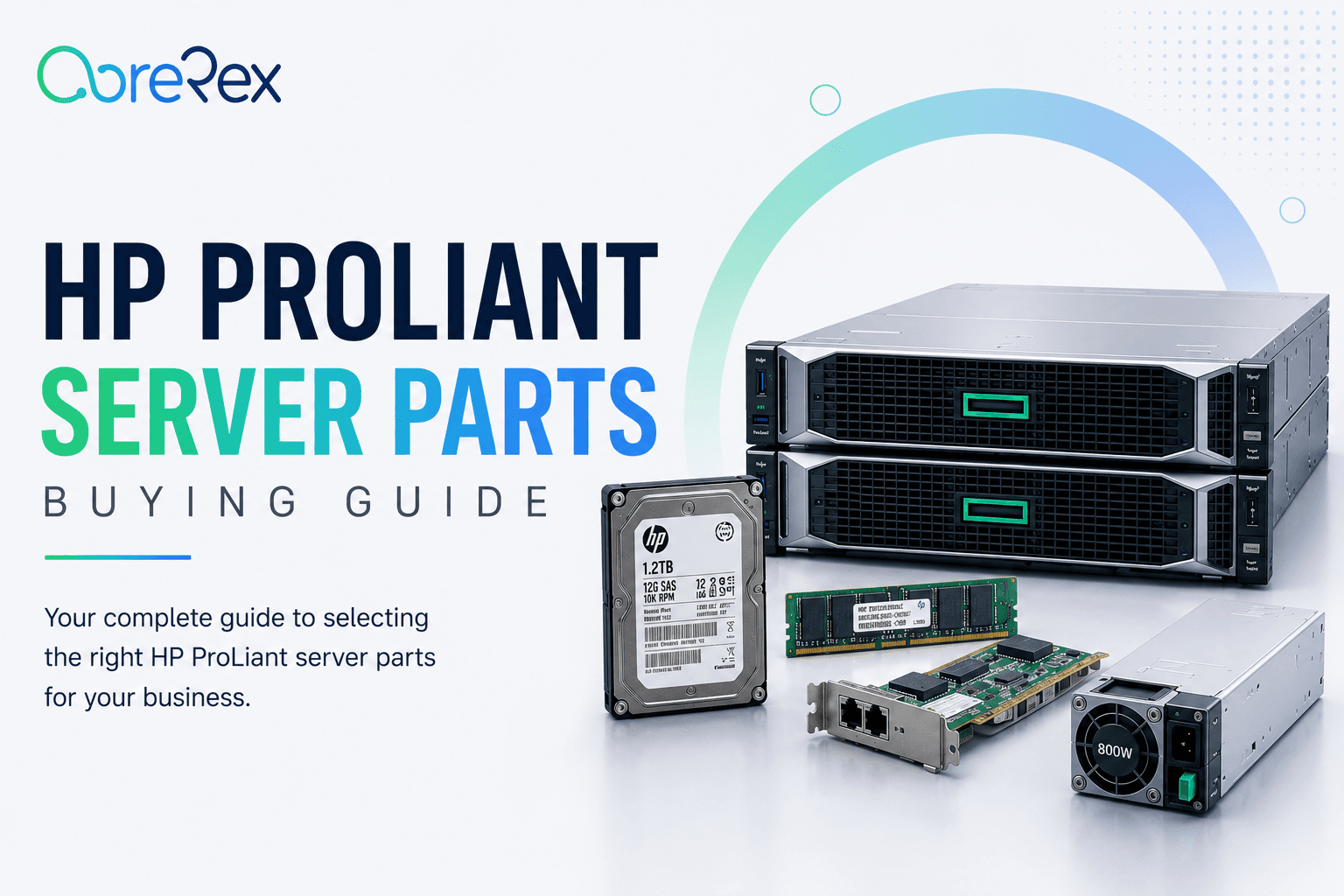
Enterprise IT teams face constant pressure to keep critical workloads running while controlling costs. Selecting the right HP server parts—whether you’re refreshing a data center or replacing a failed component—requires a clear strategy that balances compatibility, reliability, and vendor flexibility. This guide walks you through the essential considerations for sourcing HP server components, evaluating suppliers, and building a procurement process that minimizes downtime.
Why Choosing the Right HP Server Parts Matters
HP server parts are engineered to work together within the ProLiant ecosystem, but not every component is interchangeable across models or firmware levels. Using mismatched parts can lead to reduced performance, unexpected errors, or even voided warranties. For enterprise environments where service‑level agreements (SLAs) are non‑negotiable, the cost of a single incompatible part often exceeds the savings from a lower‑priced supplier.
Mapping Compatibility: HPE ProLiant Parts and Firmware
Compatibility is the foundation of any successful procurement strategy. Before you place an order, verify three key dimensions:
- Model and generation: Identify the exact ProLiant model (e.g., DL380 Gen10) and its generation, as part revisions differ between generations.
- Firmware level: Check the current firmware version on the server. Some newer components require a minimum firmware baseline to function correctly.
- Form factor and interface: Ensure the part matches the physical slot (U.2, PCIe, DIMM) and electrical specifications (voltage, power draw).
Most manufacturers provide a compatibility matrix on their support portal. Keep a local copy of this matrix and update it whenever you apply firmware patches.
Core HP Server Components to Stock
While every data center has unique needs, most enterprises benefit from maintaining a baseline inventory of the following HP server components:
- Power supplies: Redundant, hot‑swap units with the correct wattage rating for your server’s peak load.
- Memory modules: Registered DDR4 or DDR5 DIMMs that match the server’s supported speed and capacity per socket.
- Storage drives: Enterprise‑grade SAS or NVMe SSDs that meet the required endurance and latency specifications.
- Network adapters: Dual‑port or quad‑port Ethernet cards that align with your network architecture (10 GbE, 25 GbE, etc.).
- CPU upgrades: Processors that are listed as supported upgrades for the specific ProLiant chassis.
- Replacement fans and thermal modules: Essential for maintaining optimal cooling and avoiding throttling.
When evaluating each component, prioritize parts that carry the HPE warranty and support designation, as these simplify RMA processes and often include on‑site service options.
Evaluating Suppliers for HP Server Parts
Not all vendors are created equal. A rigorous supplier assessment helps you avoid counterfeit or refurbished parts that could jeopardize system stability.
Key evaluation criteria
- Authorized reseller status: Verify that the supplier is an HPE authorized channel partner.
- Return and RMA policies: Clear, documented procedures reduce the time to replace faulty components.
- Supply chain transparency: Ability to trace parts back to the original manufacturer.
- Pricing structure: Look for volume discounts, but weigh them against warranty coverage and support levels.
- Technical support: Access to knowledgeable engineers who understand HP server components.
Request sample documentation—such as a Certificate of Authenticity—before committing to large orders.
Streamlining the Procurement Workflow
A well‑defined workflow reduces the risk of emergency purchases that bypass controls. Consider the following steps:
- Needs assessment: Use monitoring tools to predict component failure based on wear metrics (e.g., SSD TBW, fan RPM trends).
- Approval matrix: Define spend thresholds and required sign‑offs for different categories of parts.
- Preferred supplier list: Maintain a vetted list of vendors and negotiate master agreements that cover multiple product families.
- Purchase order automation: Integrate your ITSM or ERP system with supplier portals to generate PO numbers automatically.
- Receiving and verification: Perform visual inspection and cross‑check serial numbers against the purchase order before stocking.
Embedding these steps into a repeatable process shortens lead times and improves auditability.
Maintaining an Efficient Inventory of Server Components
Effective inventory management prevents both stockouts and excess holding costs. Implement these best practices:
- ABC classification: Categorize parts by criticality (A = high‑impact, B = moderate, C = low) and set reorder points accordingly.
- Lifecycle tracking: Tag each component with its installation date and expected end‑of‑life to plan proactive replacements.
- Regular audits: Conduct quarterly physical counts and reconcile with your asset management system.
- Vendor‑managed inventory (VMI): For high‑turnover items like fans and SSDs, allow the supplier to replenish stock based on agreed thresholds.
By aligning inventory policies with the actual consumption patterns of your HP server components, you keep the data center humming while protecting the bottom line.
Remember: the cheapest part is not always the most economical choice. Factor in warranty, support, and compatibility to calculate true total cost of ownership.
With a clear understanding of compatibility, a vetted supplier base, and a disciplined procurement process, your organization can source HP server parts confidently and keep mission‑critical workloads running smoothly.