Safe Checkout
Secure Payments
Fast Delivery
Order Today
Free Shipping
Across the US
Easy Returns
Hassle-Free
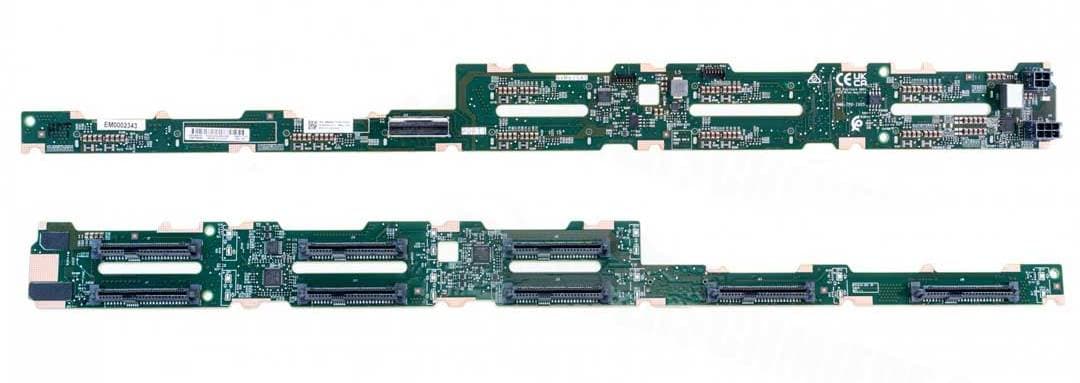
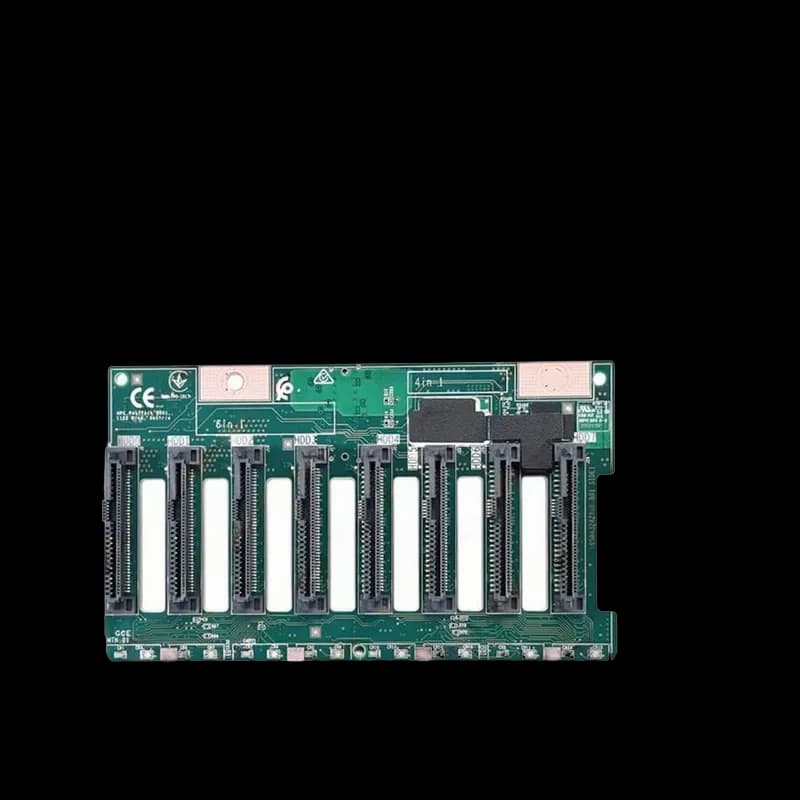
Dell YN844 1x4 SAS/SATA Hard Drive Backplane Board for PowerEdge T300
- 1x4 SAS/SATA Hard Drive Backplane Board.
- Designed for Dell PowerEdge T300 servers.
- Supports four SAS or SATA hard drives.
- Enables flexible storage configurations.
- Hot-swap capability (if supported by chassis and OS).
- Part number YN844.
Free Ground Shipping
Within the contiguous US
Purchase orders accepted
For government, enterprise, data center, and small business customers.
Bulk Purchase Inquiry
Volume pricing and availability
Product Overview
The Dell YN844 is a 1x4 SAS/SATA Hard Drive Backplane Board designed for the Dell PowerEdge T300 server. It supports the connection of four SAS or SATA hard drives.
Technical Information
| Product Type | Hard Drive Backplane Board |
| Drive Support | 4 x SAS/SATA |
| Compatibility | Dell PowerEdge T300 |
| Interface | SAS/SATA |
Additional Specifications
| Function | Internal Drive Connectivity |
| Manufacturer | Dell |
| Part Number | YN844 |
Product Description
The Dell YN844 is a 1x4 SAS/SATA Hard Drive Backplane Board specifically designed for the Dell PowerEdge T300 tower server. This board allows for the installation and connection of up to four SAS (Serial Attached SCSI) or SATA (Serial ATA) hard drives directly within the server chassis. It serves as the central interface for these drives, providing the necessary power and data connections. This backplane board is crucial for configuring the internal storage of the PowerEdge T300. It supports both SAS and SATA drives, offering flexibility in choosing storage media based on performance, cost, and capacity requirements. The '1x4' designation typically refers to the configuration, allowing for four drives to be connected through a single interface or set of connectors on the board. By utilizing the YN844, administrators can implement various storage solutions, including RAID configurations for data redundancy and performance enhancement, or simply expand the server's storage capacity. The board often supports hot-swapping capabilities, allowing drives to be added or removed while the server is operational, minimizing downtime.